


Trust Wallet is a self custody wallet built to hold and use crypto across many networks in one place.
This guide is part of the wallet series. For the full wallet hub with setup guides, comparisons, recovery help, and wallet types, see the Bitcoin and altcoin wallets guide.
If you want quick definitions for seed phrase, recovery phrase, private key, public address, gas fees, token approvals, and signatures, see the Crypto Glossary.
Quick Answer
To set up Trust Wallet safely, download only from official sources, back up your recovery phrase offline, lock the app properly, and treat approvals and signatures as the main risk. Use small test transfers when moving funds across networks, and avoid connecting to random sites or chasing airdrops.
Trust Wallet still matters in 2026 because it gives beginners one place to manage multiple chains, but the main risks are human error, fake installs, and approval or signature mistakes. The safe approach is simple, install from official sources only, back up your recovery phrase offline, use a strong local lock, and treat every approval as a security decision. Once you do that, small test transfers and basic hygiene beat 99 percent of beginner mistakes.
Key Points
- Trust Wallet is self custody, meaning you control the keys and the recovery phrase.
- Back up the recovery phrase offline, and never type it into websites, forms, or support chats.
- Most losses happen through fake apps, phishing links, and permission mistakes, not through the wallet randomly breaking.
- Multi chain wallets are convenient, but each network has different fees, address formats, and scam patterns.
- Keep the app and extension updated, and avoid installing wallet software from ads or unofficial downloads.
What Trust Wallet Is And What It Supports
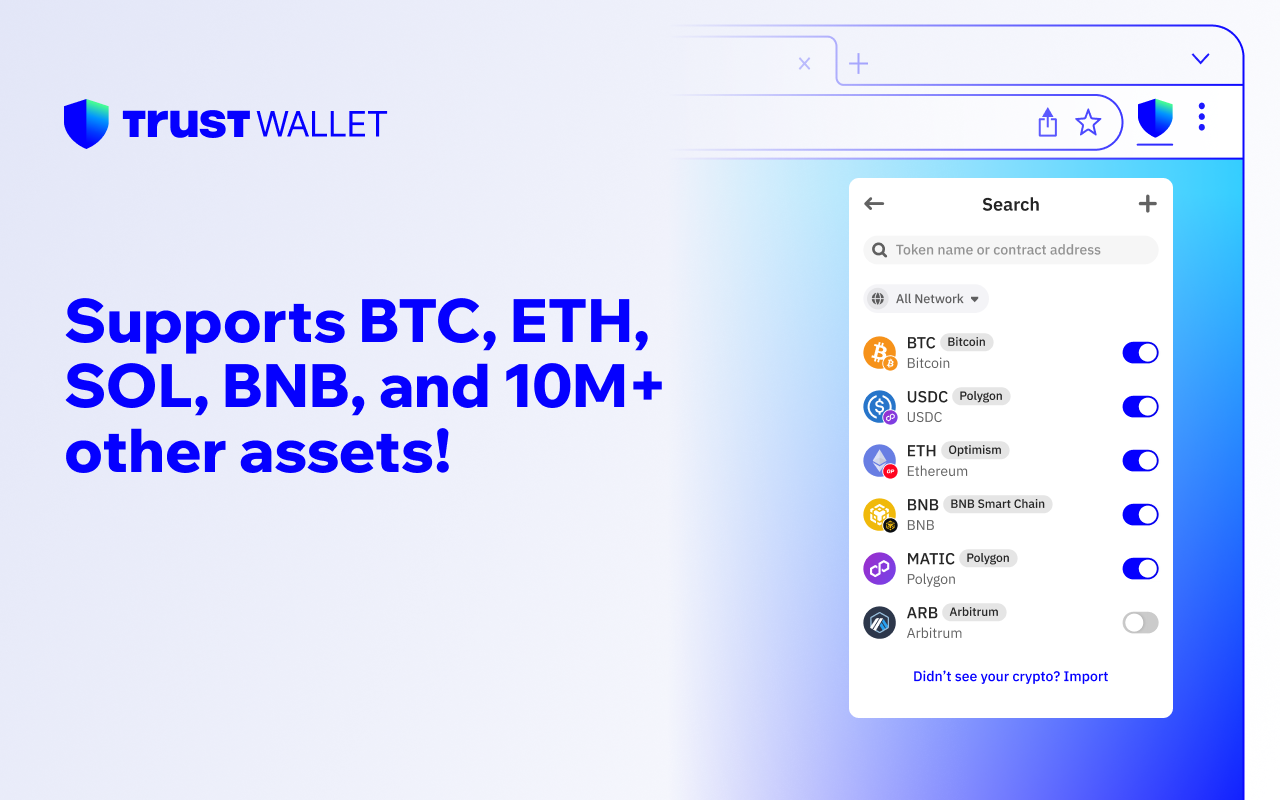
Trust Wallet describes itself as a self custody multi chain wallet supporting millions of assets across more than 100 blockchains, including Bitcoin, Ethereum, and Solana. It is available as a mobile app and as a browser extension.
Practical takeaway for beginners. One app can hold assets across many chains, but sending and receiving still requires choosing the correct network every time.
Install Trust Wallet Safely Before You Create A Wallet
Do these checks before you install anything.
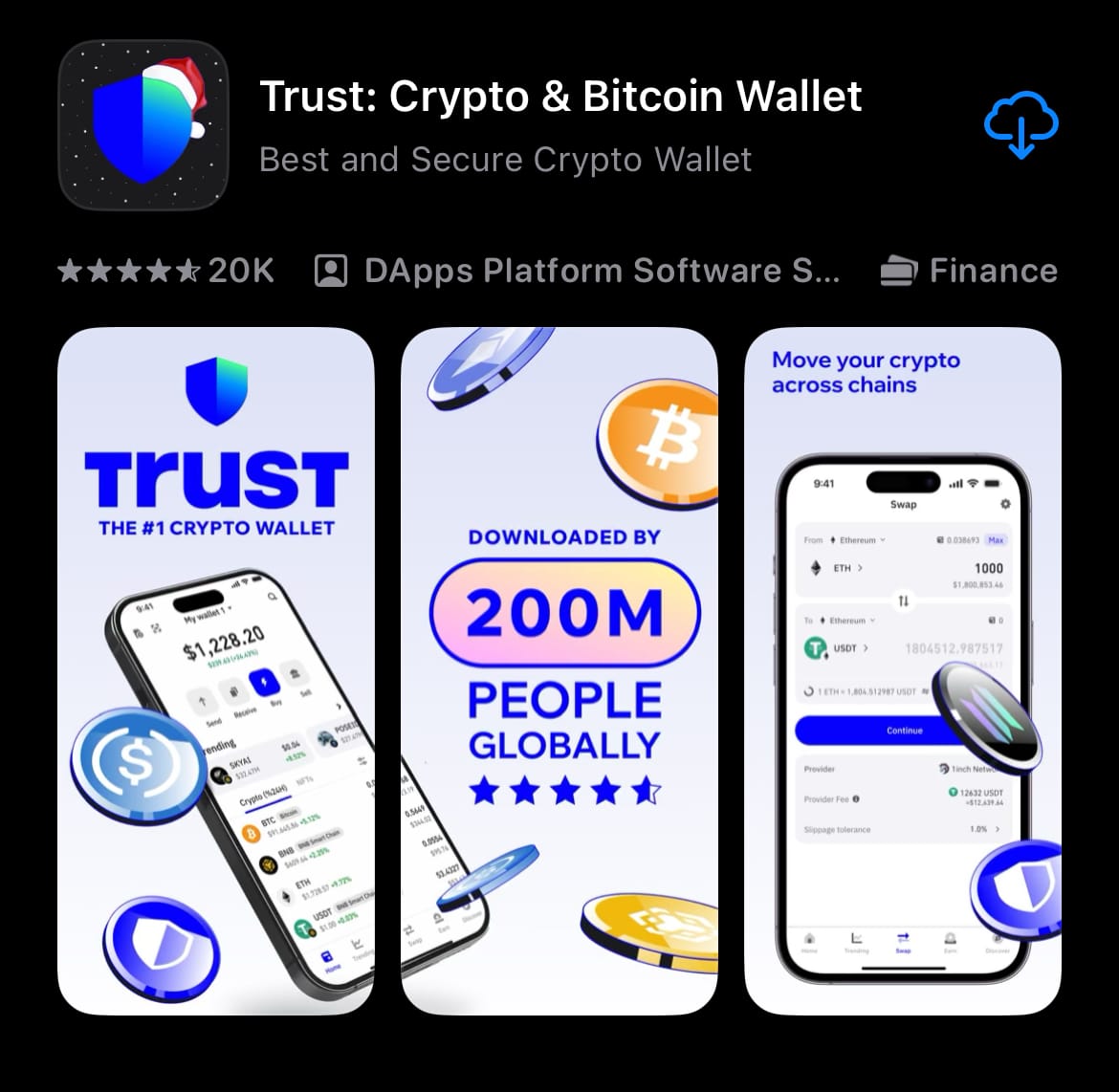
- Download only from the official Trust Wallet website, or from the official listing in the Apple App Store or Google Play.
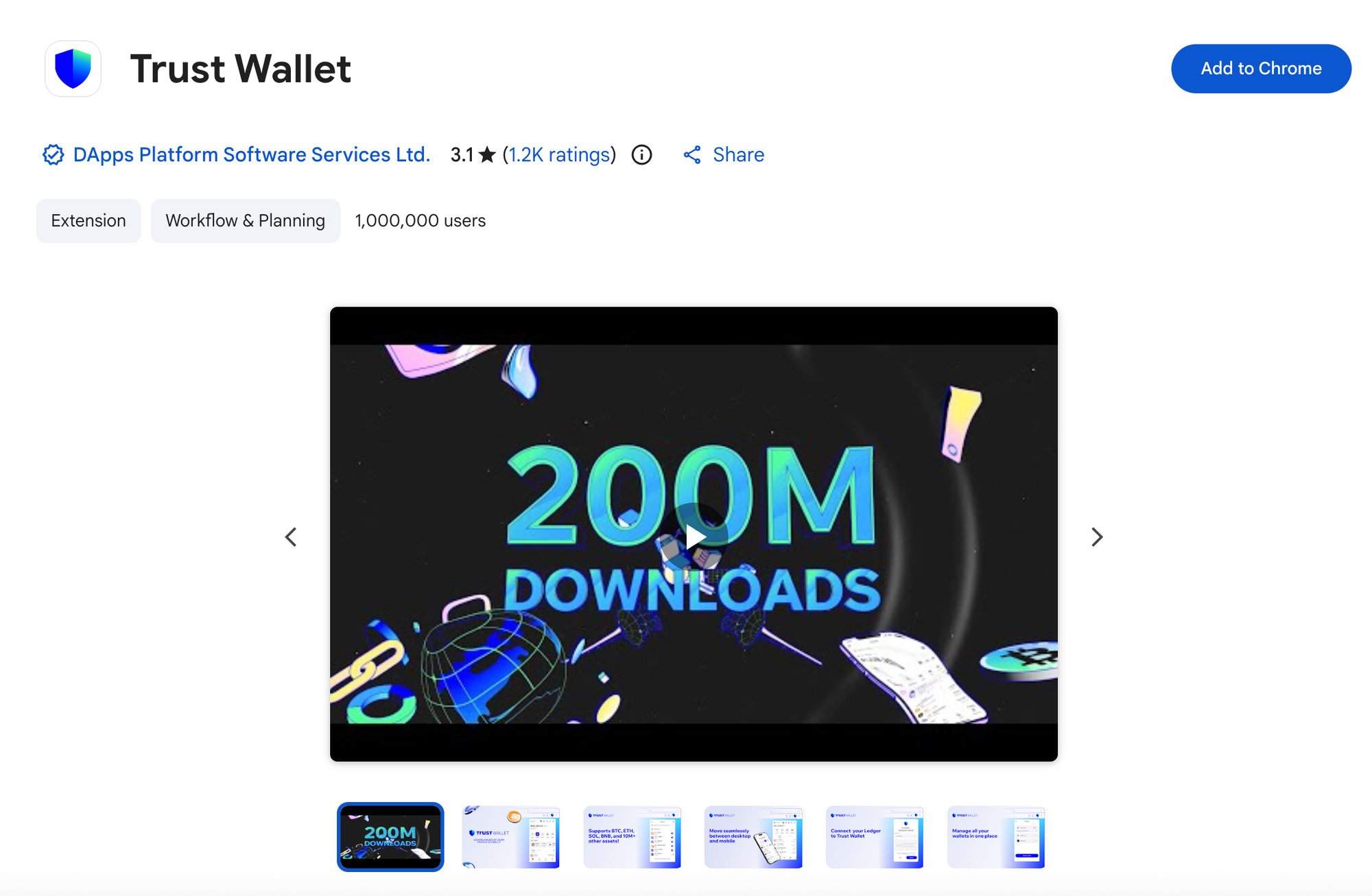
- If you install the browser extension, use the official Chrome Web Store listing and check the publisher.
- Avoid ads, random download pages, Telegram links, and anyone offering help in DMs.
- Bookmark the official site after you confirm it, then use the bookmark going forward.
Note. Trust Wallet publishes security guidance on avoiding fake apps and phishing. Follow that mindset from day one, not after something goes wrong.
Step By Step Trust Wallet Setup
Download And Open The App Or Extension
- Install Trust Wallet from an official source.
- Open the app or extension.
- Choose Create A New Wallet.
Create A Strong Local Lock
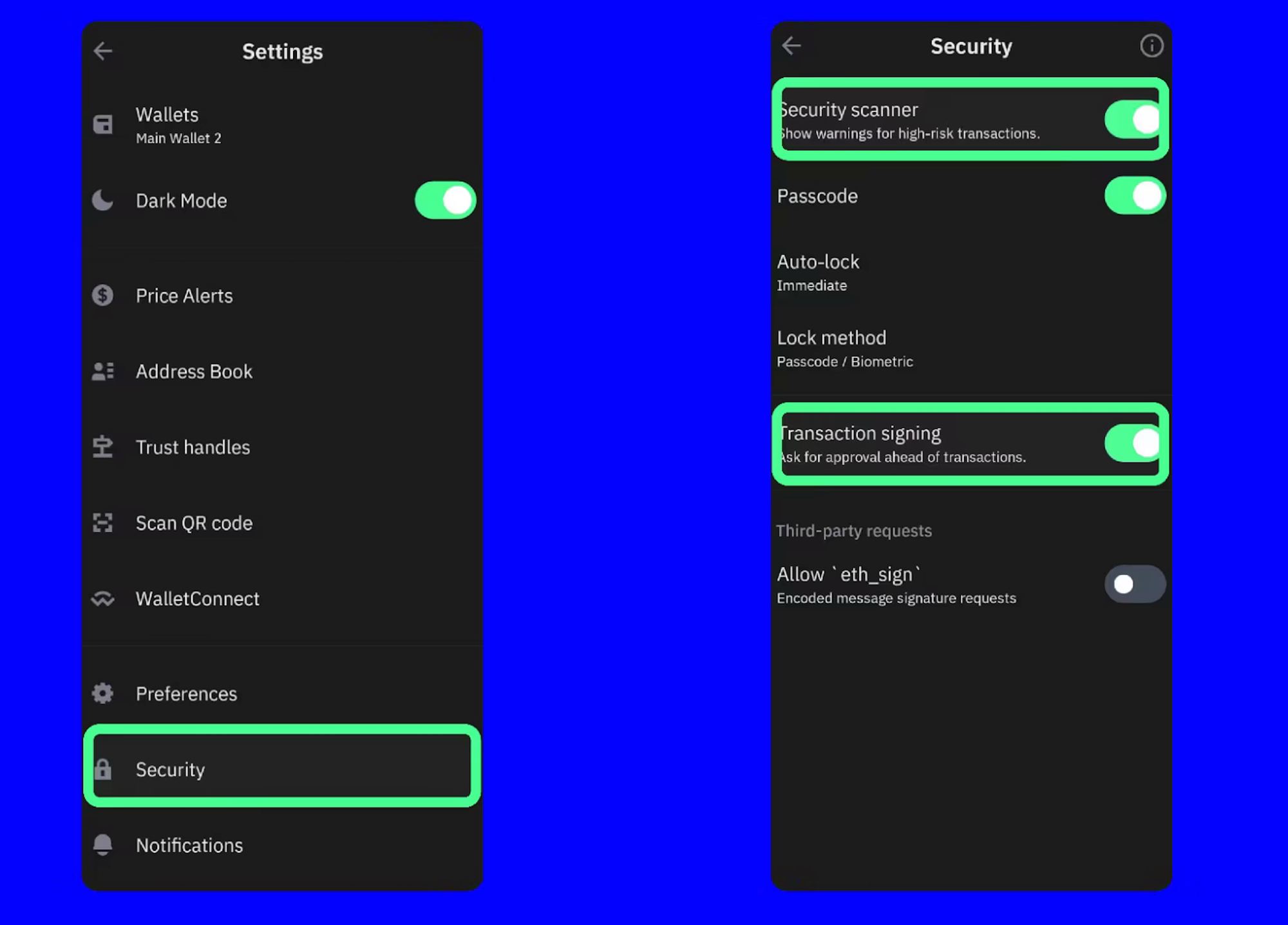
- Set a strong passcode or password.
- Turn on biometric unlock if your device supports it.
- Do not reuse a password you use for email.
Back Up Your Recovery Phrase Properly
Trust Wallet explains that a seed phrase is a series of 12 to 24 words, and it acts as the master key to the wallet. Trust Wallet also states there is no reset if you lose it, because it is self custody and they do not store your phrase.
The Safe Way To Store It
- Write the words down on paper in the correct order.
- Store it somewhere private and dry.
- Consider two copies stored separately to reduce loss risk.
- Do not store it in screenshots, cloud notes, email drafts, or Google Drive.
The Rule That Avoids Most Disasters
No legitimate wallet support agent, exchange, project team, or airdrop will ever need your recovery phrase.
If someone asks for it, the conversation is over.
Add Crypto To Trust Wallet Without Making The Classic Network Mistake
A safe workflow for beginners:
- Copy your receiving address from Trust Wallet.
- Confirm the network you are receiving on.
- Send a small test transfer first.
- After it arrives, send the full amount.
Common mistake. Sending a token on the wrong network. If you are unsure, stop and verify. Guessing is how funds go missing.
Using The Built In Swap And dApp Browser Safely
Trust Wallet includes features like swapping and connecting to dApps inside the wallet.
Safety rules that matter more than convenience:
- Do not connect your wallet to sites you found through random links or social posts.
- Treat every approval and signature request as a security decision.
- If a site asks for unlimited spending approval when it does not make sense, cancel.
Token Approvals And Why Wallet Drains Happen
Many wallet drains are permission based.
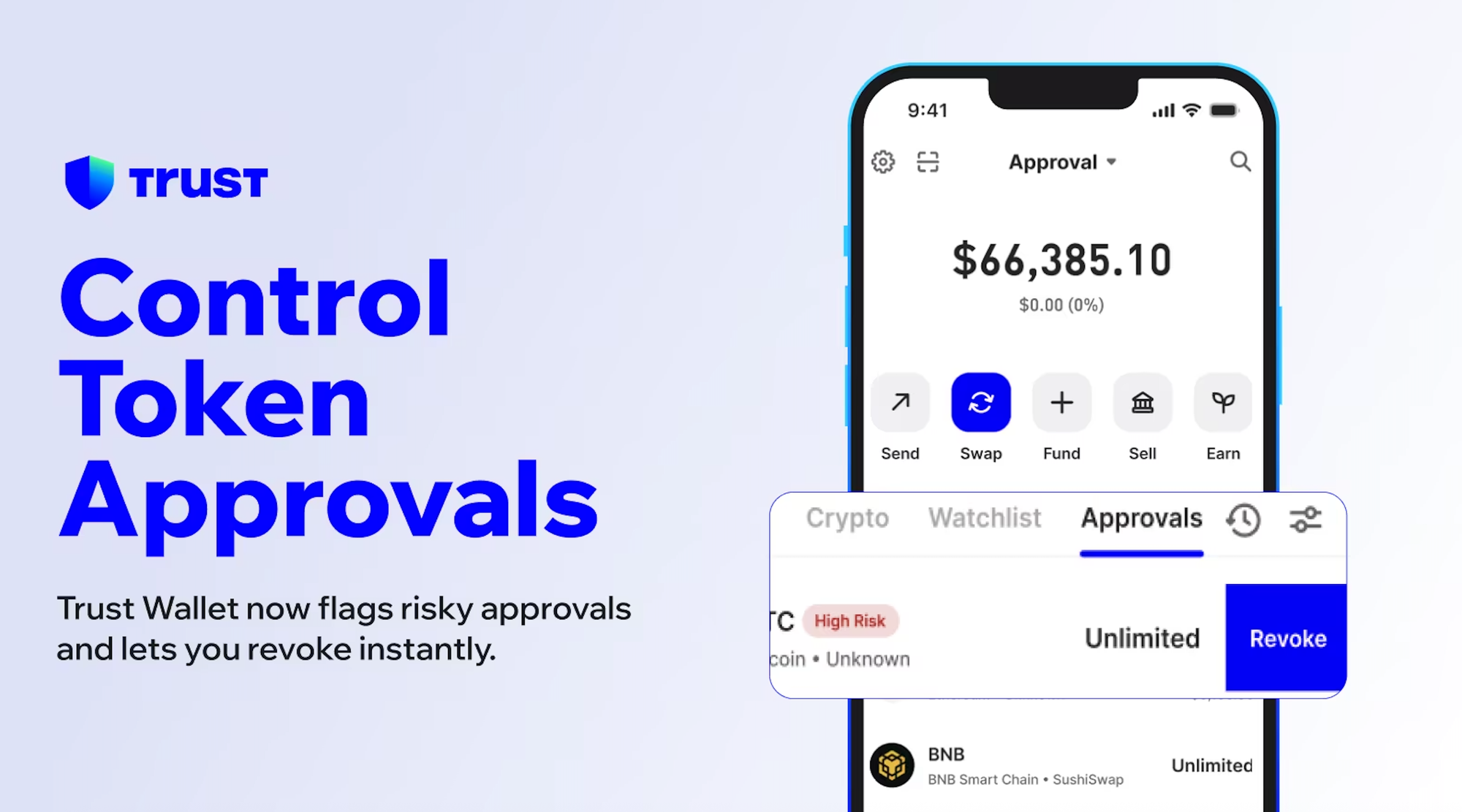
A token approval gives a smart contract permission to spend your tokens. If you approve the wrong contract, or approve more than needed, you can be exposed later.
Safer habits:
- Approve only what you need for that action.
- Avoid unlimited approvals when you have the option to limit it.
- Review old approvals periodically, especially after using new dapps.
How To Revoke Token Approvals In Trust Wallet
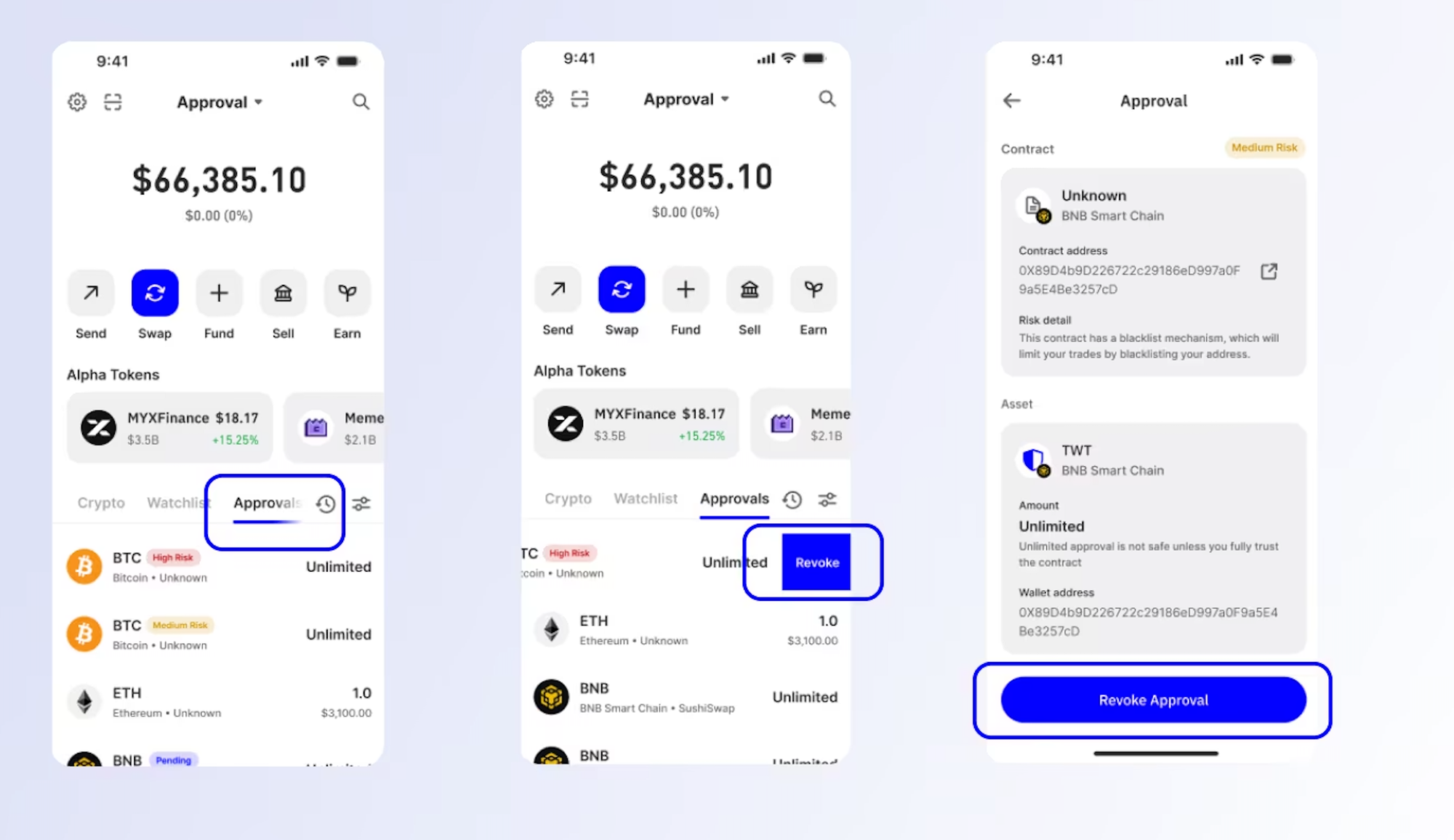
Token approvals can stay active long after you stop using an app, so it is worth reviewing them occasionally, especially after using new dapps.
Steps:
- Open Trust Wallet and go to the approvals area.
- Review which tokens have unlimited approvals.
- Revoke anything you do not recognise, and anything you no longer use.
- Confirm the network fee and complete the revoke.
Common Trust Wallet Scams To Avoid In 2026
Fake Apps And Lookalike Downloads
Scam pattern. An ad or fake listing installs a copycat wallet.
Rule. Install only from official sources, and do not download unknown APK files unless you fully understand the risks.
Phishing Links And Fake Support
Scam pattern. Someone claims your wallet is compromised and asks you to verify by entering your recovery phrase.
Rule. Never type the recovery phrase into anything except the wallet restore screen on a trusted device.
Fake Airdrops And Token Lures
Scam pattern. A random token arrives in your wallet and the link to claim rewards leads to a drain.
Rule. Ignore unknown tokens and do not connect your wallet to claim pages you did not seek out deliberately.
Which Wallet Should You Use Alongside Trust Wallet
Trust Wallet is a strong option if you want one wallet across many networks.
If you mainly use Ethereum apps, the MetaMask guide on this site can help you understand approvals and EVM basics in more depth.
If you mainly use Solana, the Phantom guide is the better fit.
Later, the wallet hub page will link all of these together so beginners can choose faster.
Mini FAQs
Is Trust Wallet Self Custody?
Yes. Trust Wallet describes itself as non custodial, meaning you control the keys and your recovery phrase, not a company.
What Happens If I Lose My Recovery Phrase?
You can lose access permanently. Trust Wallet states there is no reset because they do not store your recovery phrase.
Can Trust Wallet Hold Bitcoin?
Yes. Trust Wallet supports Bitcoin, and it also supports many other networks in the same wallet.
Is Trust Wallet Safer On Mobile Or As A Browser Extension?
Both can be safe if installed from official sources and kept updated. For larger amounts, reduce risk by using a hardware wallet for long term storage.
How Do Most Wallet Drains Happen?
Most are caused by phishing, fake apps, and approval or signature mistakes, not by the wallet randomly failing.
If you are setting up Trust Wallet because you want to use crypto across multiple networks, Alpha Insider helps you avoid the common mistakes that cost people money:
➡️ Kairos timing windows to plan entries before the crowd moves
➡️ A full DCA Targets page with levels mapped for this cycle
➡️ Exclusive member videos breaking down charts in plain English
➡️ A private Telegram community where conviction is shared daily
More clarity, less chaos.
Legal And Risk Notice
This article is for educational purposes only and does not constitute financial advice, investment advice, or a recommendation to buy or sell any asset. Crypto assets are volatile and you can lose some or all of your capital. Always do your own research and consider your personal circumstances before making any financial decisions.


Discussion