


MetaMask is one of the most used self-custody wallets for Ethereum apps, and in 2026 it is also pushing hard into multichain, including native Bitcoin support inside the wallet.
This guide is part of the wallet series. For the full wallet hub with setup guides, comparisons, recovery help, and wallet types, see the Bitcoin and altcoin wallets guide.
If you want quick definitions for seed phrase, Secret Recovery Phrase, private key, public address, gas fees, token approvals, and signatures, see the Crypto Glossary.
Quick Answer
To set up MetaMask safely, install only from the official source, write down your Secret Recovery Phrase offline, then treat token approvals and signatures as the main risk. Keep a separate account for testing new dapps, and revoke approvals you no longer use.Key Points
- Only install MetaMask from the official MetaMask website or official app stores, most wallet losses start with fake apps and fake extensions.
- Your Secret Recovery Phrase controls your wallet, if someone gets it, they can take the funds, MetaMask does not keep it for you.
- Your MetaMask password is not a backup, it mainly protects the local app, the Secret Recovery Phrase is the real master key.
- Most drains happen through approvals, learn what token approvals mean, set spend limits, and revoke what you do not use.
- Use built-in safety features where available, and treat every signature request as a security decision.
What MetaMask Is And What It Supports In 2026
MetaMask is a self-custody wallet. That means you control the keys, and there is no customer support desk that can reverse a transaction if you make a mistake.
In 2026, MetaMask is not only “an Ethereum wallet”. MetaMask has launched Bitcoin support, meaning users can manage BTC alongside other assets inside MetaMask.
Practical takeaway for beginners: you can use one wallet interface across multiple ecosystems, but each chain still has its own rules, address formats, fees, and scam patterns.
Before You Install, Do These Safety Checks
Do this first. It is the highest value part of the entire guide.
- Install only from the official MetaMask website, or the verified listing in your device app store.
- Never install from ads, random download pages, Telegram links, or someone “helping you” in DMs.
- Bookmark the official MetaMask website after you confirm it is correct, then only use that bookmark going forward.
- If a site asks for your Secret Recovery Phrase to “verify”, “unlock”, “airdrop”, “refund”, or “sync”, it is a scam, close it immediately.

Step By Step, Install MetaMask
Option 1, Browser Extension
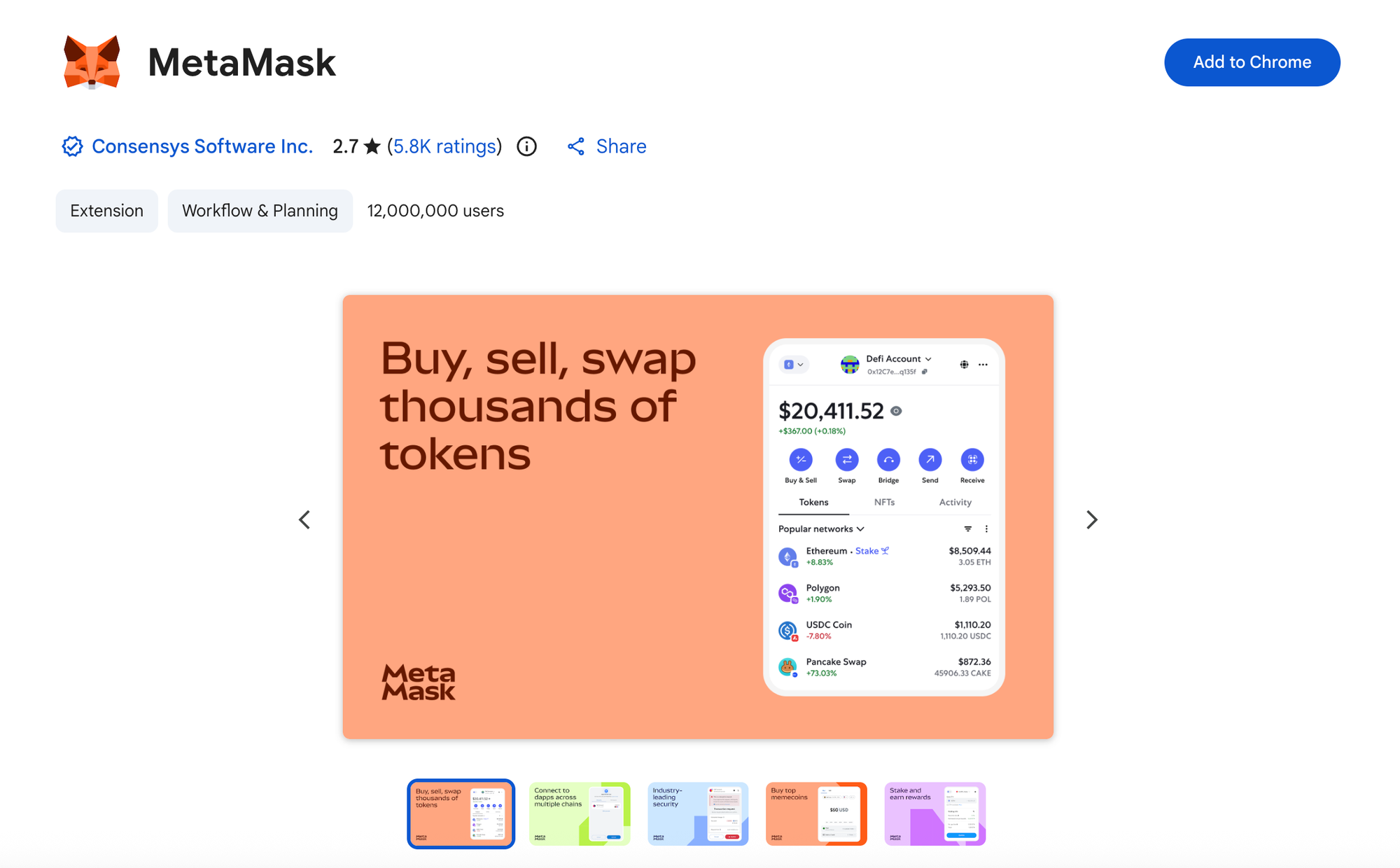
- Use the official MetaMask website to install the extension for your browser.
- After install, pin MetaMask in your browser toolbar so you can always see the real extension icon.
- Open MetaMask and choose Create a new wallet.
Option 2, Mobile App
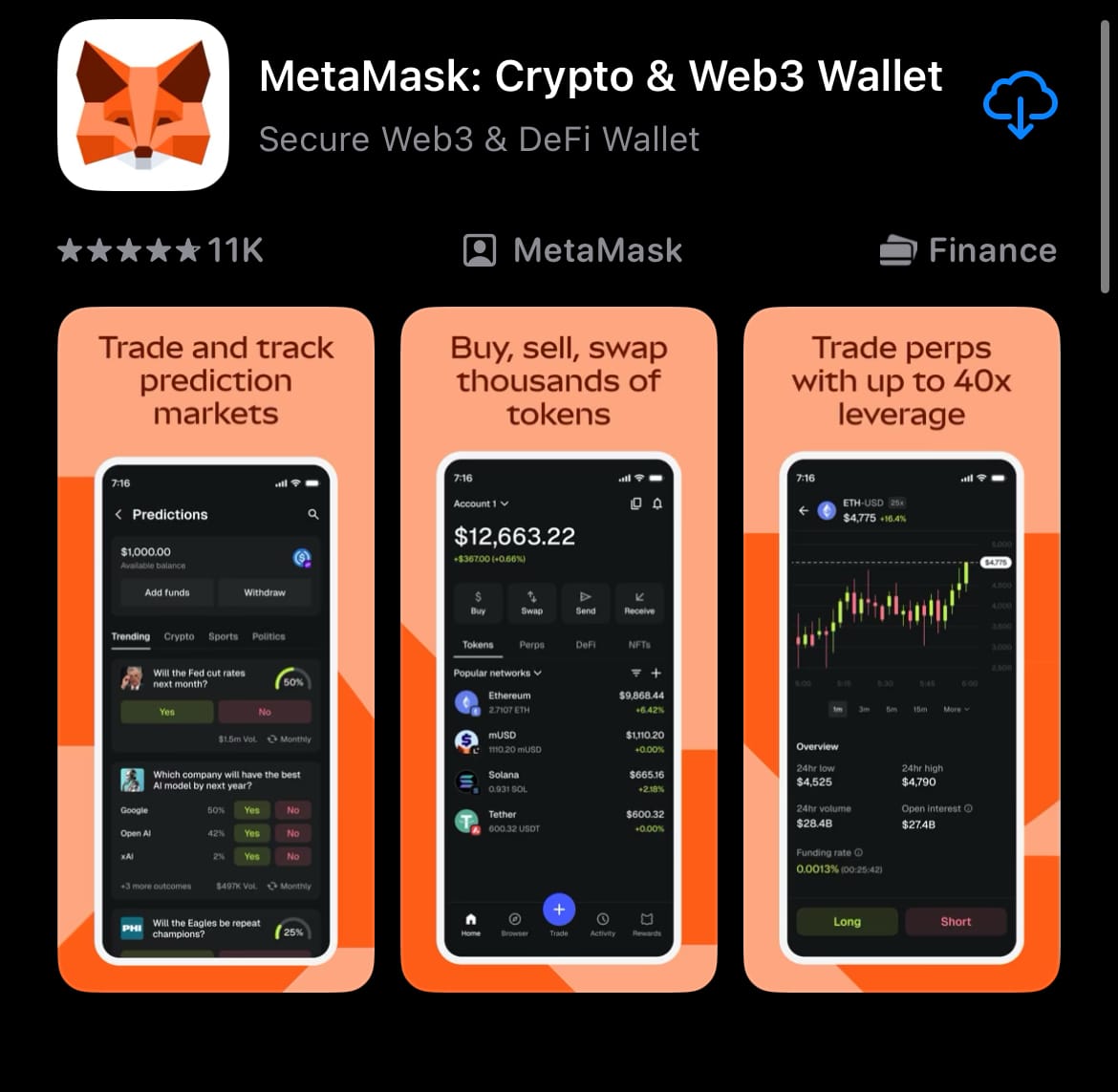
- Install MetaMask from the official app store listing for your device.
- Open the app and choose Create a new wallet.
Tip: Pick one device to be your primary wallet device first. You can add the second device after you have backed up properly.
Create Your Wallet And Back Up Your Secret Recovery Phrase
This is the part most people rush, and later regret.
Your Secret Recovery Phrase is the secret that controls the wallet, and MetaMask does not keep it for you.
MetaMask also explains that it locally encrypts your Secret Recovery Phrase with your password on your device, which is why the password matters for local security, but it still does not replace the Secret Recovery Phrase as a backup.
The Safe Way To Store It
- Write it down on paper, clearly, in the correct order.
- Store it somewhere private and dry.
- Consider two copies stored separately, to reduce fire or loss risk.
- Do not store it in cloud notes, screenshots, email drafts, or Google Drive.
The One Rule That Saves People
No legitimate support agent, exchange, project, or wallet team will ever need your Secret Recovery Phrase.
If you share it, you lose the wallet.
Understand Passwords, Accounts, And Addresses
- Your password locks and unlocks the MetaMask app on your device.
- Your Secret Recovery Phrase is what restores the wallet on a new device.
- One Secret Recovery Phrase can generate multiple accounts, each with its own public address.
Beginner workflow:
- Use one main account for day-to-day activity.
- Create a second account for testing new apps or unfamiliar airdrops.
- Keep long-term holdings separate, ideally on a hardware wallet.
Add Funds To MetaMask Safely
- Copy your public address from MetaMask.
- Confirm the network you are receiving on.
- Send a tiny test transaction first.
- After it arrives, send the full amount.
Common beginner mistake: sending funds on the wrong network. If you are unsure, do not guess. Confirm the chain and the address type.
Networks Explained, Ethereum, Layer 2s, And More
MetaMask can connect to different networks. Some are Ethereum mainnet, some are Layer 2 networks, some are entirely different chains.
The safety rule:
- Do not add random networks because a website tells you to.
- Prefer adding networks through official sources or well-known block explorers.
- If a network prompt appears unexpectedly, stop and double-check what you are connecting to.
Token Approvals, The Number One Drain Risk
Most wallet drains are not “hacks” in the Hollywood sense. They are permission mistakes.
A token approval is when you give a smart contract permission to spend a token on your behalf, often with an unlimited allowance unless you change it.
Safer habits:
- Use custom spend limits where possible.
- Approve only what you need for that specific action.
- Revoke approvals you no longer use.
How To Revoke Token Approvals
MetaMask’s own guidance is to use token approval checkers on block explorers, or dedicated tools, to review and revoke allowances. support.metamask.io
Step by step:
- Decide which network you used for the approval, for example Ethereum mainnet or a specific Layer 2.
- Open an approval checker for that network, or use a dedicated approvals tool.
- Connect your wallet.
- Revoke approvals you do not recognise, or approvals you no longer need.
Important: revoking costs a network fee, because it is an on-chain transaction.
Smart Transactions And Reliability Features
MetaMask has introduced Smart Transactions, designed to improve transaction reliability and provide better status visibility, with a process aimed at reducing failures and reverts.
Practical beginner takeaway:
- If a transaction repeatedly fails, do not keep spamming retries.
- Pause, check what the transaction is doing, check approvals, check slippage settings, then try again.
Common MetaMask Scams And How To Avoid Them

Fake Support
Scam pattern: someone offers help, then asks for your Secret Recovery Phrase.
Rule: never share it, not even “just to check”.
Fake Extensions And Clone Apps
Scam pattern: an ad link or fake download page installs malware.
Rule: install only from the official source, and ignore ads.
Approval Drains
Scam pattern: a website asks you to approve a token, then drains later.
Rule: use spend limits, revoke old approvals, and do not approve tokens on sites you do not trust.
Signature Traps
Scam pattern: a site asks you to sign a message that authorises a malicious action.
Rule: read every signature prompt. If it looks odd, cancel.
Mini FAQs
Is MetaMask safe to use in 2026?
MetaMask can be safe if you install it from the official source, protect your Secret Recovery Phrase, and manage approvals carefully. Most losses come from user-side mistakes and scams, not the wallet itself.
What happens if I lose my Secret Recovery Phrase?
You can lose access to the wallet permanently. MetaMask does not store your Secret Recovery Phrase for you, so there is no password reset.
Is my MetaMask password enough to recover my wallet?
No. The password protects the app locally, but the Secret Recovery Phrase is the backup that restores the wallet on a new device.
How do I stop my wallet getting drained?
Avoid random sites, treat approvals as risk, set spend limits when possible, and revoke old approvals you do not use.
Can MetaMask hold Bitcoin now?
MetaMask has launched Bitcoin support, allowing users to manage BTC inside MetaMask alongside other assets.
Should I use a hardware wallet with MetaMask?
For meaningful amounts, yes. A hardware wallet reduces the risk of malware on your device signing transactions, but you still need to watch approvals and signatures.
If you want to go from “having a wallet” to actually using crypto with more confidence.
Alpha Insider members get:
➡️ Kairos timing windows to plan entries before the crowd moves
➡️ A full DCA Targets page with levels mapped for this cycle
➡️ Exclusive member videos breaking down charts in plain English
➡️ A private Telegram community where conviction is shared daily
This isn’t noise… it’s the full playbook.
Legal And Risk Notice
This article is for educational purposes only and does not constitute financial advice, investment advice, or a recommendation to buy or sell any asset. Crypto assets are volatile and you can lose some or all of your capital. Always do your own research and consider your personal circumstances before making any financial decisions.


Discussion